
How to Tally Cash Denominations Fast in Retail Shops (Without Expensive Machines)
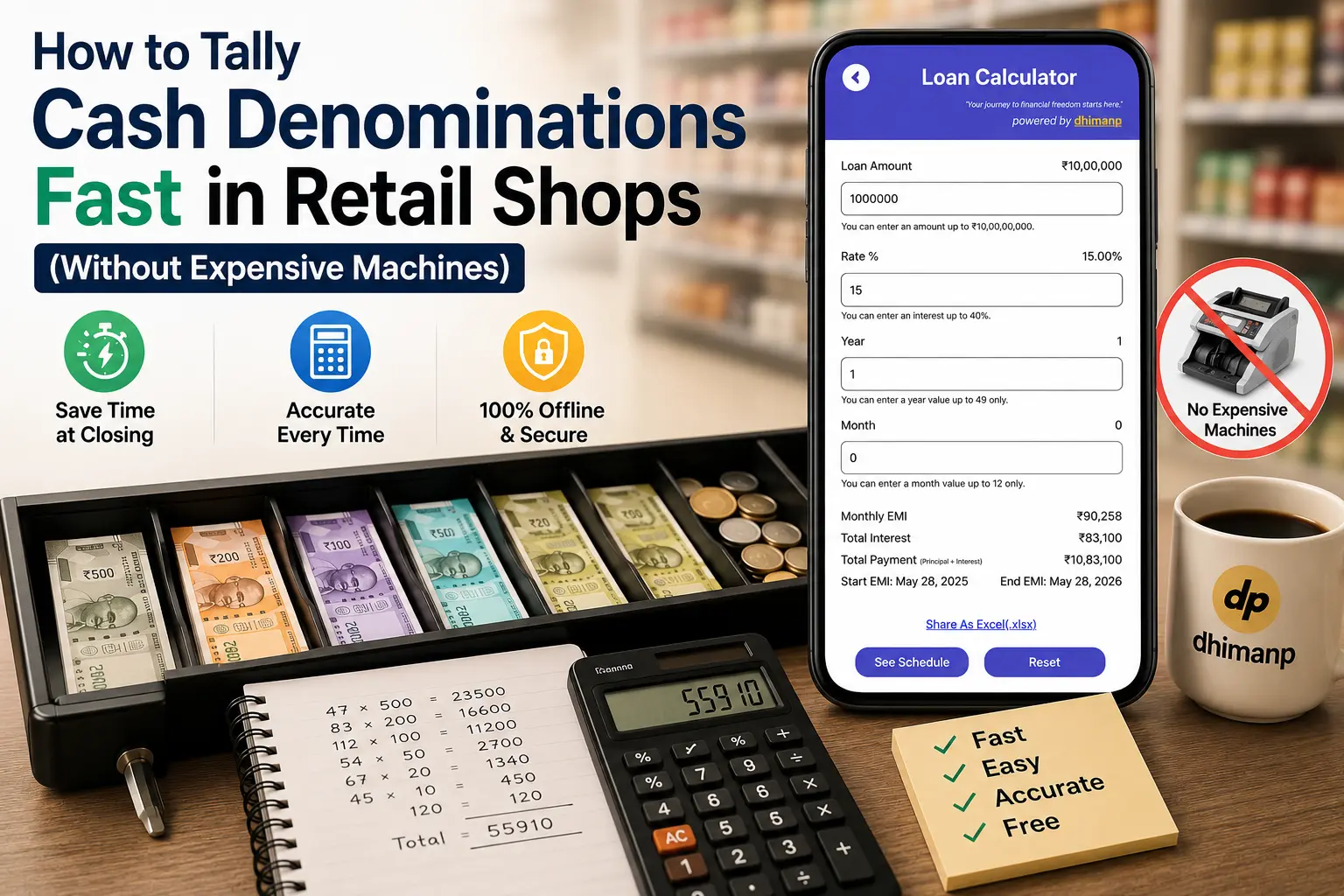
Every retail shop owner, Kirana manager, copy center operator, and counter cashier knows the stress of closing time. After a long business day serving customers, you are left with a drawer overflowing with mixed currency notes—₹500, ₹200, ₹100, ₹50, ₹20, and coins.
Balancing the till manually using a standard pocket calculator or a paper notebook often leads to frustrating math errors. Pressing one wrong digit forces you to clear the memory and re-count physical note bundles all over again. On the other hand, buying heavy electronic physical currency counting machines costs thousands of rupees, requires constant maintenance, and takes up precious space on small store counters.
Fortunately, modern retail shop owners are switching to smart digital solutions. Using a dedicated cash counter app or a daily cash tally app on your smartphone turns your mobile device into a high-speed, zero-cost cash denomination calculator in India.
In this guide, we break down step-by-step methods to tally cash drawer balances fast, eliminate closing-time math mistakes, and protect your store data—without spending money on hardware machines.
The True Cost of Manual Cash Tallying in Retail
Managing physical cash register balances manually presents daily operational challenges:
- Repetitive Calculation Errors: Multiplying note quantities manually (e.g., 47 notes of ₹500 + 83 notes of ₹200 + 112 notes of ₹100) using basic pocket calculators is prone to human error.
- Closing-Time Delays: Spending 30 to 45 minutes every evening just recounting register drawers wastes time that could be spent preparing inventory or going home on schedule.
- Hardware Expense & Maintenance: Electronic desktop counting machines cost anywhere between ₹5,000 to ₹25,000. They frequently jam on older notes, require power outlets, and carry regular repair costs.
- Privacy & Security Risks: Free online tools or ad-heavy mobile calculators often require mandatory logins or upload private revenue entries to remote public servers.
To solve these issues, small business owners need a lightweight, offline, purpose-built daily cash tally app that streamlines denomination counting in real time.
Step-by-Step Guide: How to Tally Register Cash in Seconds
Using a visual cash denomination calculator in India like Count My Cash by dhimanp changes how you manage closing balances. Here is the step-by-step workflow to speed up your nightly cash tally:
Step 1: Sort Your Currency Notes by Denomination
Before opening your calculator, organize your cash drawer into physical stacks based on note values:
- Stack 1: ₹500 notes
- Stack 2: ₹200 notes
- Stack 3: ₹100 notes
- Stack 4: ₹50, ₹20, and ₹10 notes
- Stack 5: Coins and loose change
Sorting your bills first removes clutter and lets you count through stacks systematically.
Step 2: Input Quantities into a Visual Cash Counter App
Instead of calculating multiplication formulas manually (e.g., typing 47 x 500 = 23500), launch Count My Cash.
The app presents a clean, multi-row visual denomination layout matching Indian currency bills. Simply enter the physical count number into the input field next to each matching note icon:
- Type 47 in the ₹500 row →App automatically displays ₹23,500
- Type 83 in the ₹200 row →App automatically displays ₹16,600
- Type 112 in the ₹100 row →App automatically displays ₹11,200
As you enter each count, the grand total updates dynamically at the bottom of the screen.
Step 3: Verify Grand Totals and Save Your Daily Ledger
Once all rows are filled, the cash counter app gives you an instant, error-free total sum of your register balance. You can cross-check this total against your daily sales register or POS invoice receipts to confirm that your till balances perfectly. Learn more about “Count My Cash: EMI GST Calc” on dhimanp website .
Watch Count My Cash in Action

Beyond Tallying: Advanced Features in Count My Cash
Unlike basic pocket calculators or generic ad-cluttered tools, Count My Cash includes essential financial tools tailored for Indian small business owners:
1. Instant 2026-2027 GST Calculator
Whether you need to add tax to a customer bill or extract GST components from a gross transaction total, the app features an integrated GST engine. Select standard tax rates (5%, 12%, 18%, 28%) to view net amount, tax value, and gross totals instantly.
2. EMI Capital Loan Estimator
Planning to upgrade store inventory, buy a commercial refrigeration unit, or expand your retail counter space? Use the built-in loan EMI calculator to project monthly payment schedules, interest costs, and repayment timelines before applying for business loans.
3. Complete Offline Privacy
Your daily store sales figures are sensitive business data. Count My Cash operates 100% offline inside your device browser or Android sandbox memory. No revenue numbers, cash tallies, or customer notes are ever uploaded to cloud databases or shared with third parties.
Comparison: Traditional Methods vs. Count My Cash App
| Feature / Metric | Physical Counting Machines | Pocket Calculators & Notebooks | Count My Cash App |
|---|---|---|---|
| Equipment Cost | ₹5,000 - ₹25,000 | ₹150 - ₹500 | 100% Free |
| Tallying Speed | Fast (when notes aren't worn) | Slow (manual re-counts needed) | Ultra-Fast (instant dynamic sums) |
| Portability | Heavy, bound to power socket | Portable | Always in your pocket (Mobile/Web) |
| Additional Tools | None | Basic Math Only | Built-in GST & EMI Calculators |
| Data Security | None | Physical loss risk | Client-side sandboxed privacy |
Conclusion: Upgrade Your Retail Closing Routine Today
You don't need to spend thousands of rupees on bulky hardware machines or waste almost an hour every evening doing manual math calculations. By adopting a modern daily cash tally app like Count My Cash, retail shop owners can achieve fast, error-free cash denomination counts in seconds.
Reclaim your closing time and streamline your store accounting. Download Count My Cash: EMI GST Calc directly from the Google Play Store today !
Frequently Asked Questions (FAQ)
Cash Tallying & Retail Bookkeeping
1. How do I tally cash denominations fast in a retail shop without buying a machine?
Using a dedicated cash denomination calculator app like Count My Cash allows you to enter note counts per row (e.g., ₹500, ₹200, ₹100). The app instantly multiplies and sums up grand totals dynamically without manual math errors.
2. Is Count My Cash completely safe for keeping daily store revenue records?
Yes. Count My Cash operates entirely offline within your device sandbox memory. Your store sales totals, cash counts, and ledger balances are never uploaded to external servers or remote databases.
3. Does Count My Cash support Indian currency denomination notes?
Yes, it is custom-designed for the Indian retail market, supporting all active currency notes (₹500, ₹200, ₹100, ₹50, ₹20, ₹10) along with coin counting options.
4. Can I calculate GST and EMI along with daily cash counting?
Yes, Count My Cash includes built-in financial modules for instant GST addition/extraction for the current 2026-2027 fiscal year alongside capital EMI loan projections.